Pendant & Medallion Studio 2.0: Sculpted Relief From Any Photo
The biggest update yet to our image-to-pendant studio. AI depth now sculpts a real bas-relief from any photo, the cut-out works on pets, objects and logos as well as people, and faces get proper detail.
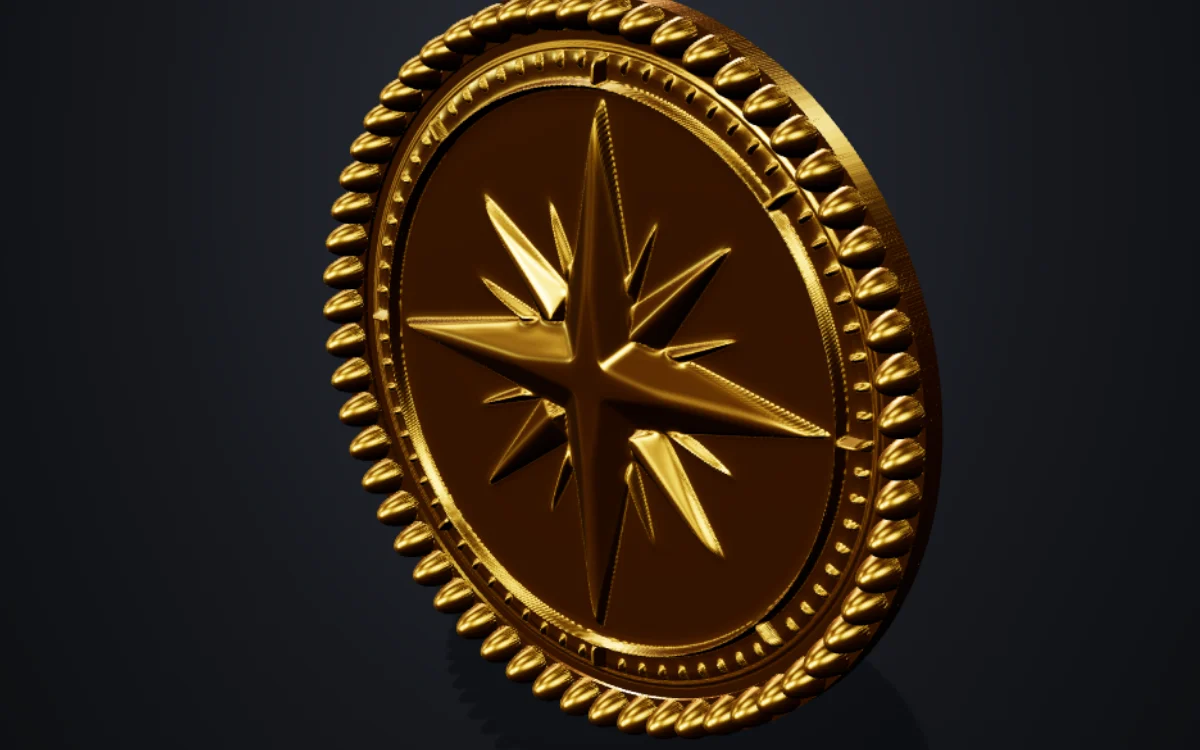
Pendant & Medallion Studio turns a photo, logo or drawing into a pendant, coin, keychain, badge or lithophane you can print. Version 2.0 rebuilds how a flat picture becomes a 3D surface, so photos now come out as sculpted relief instead of a bumpy brightness map.
It is still free, and everything, AI included, still runs on your own device. Your image is never uploaded.
What is new in 2.0
Sculpted bas-relief from AI depth
The studio estimates the real depth of the scene with an AI depth model, then sculpts it the way a medal engraver would: near forms stand out, distant ones are compressed, and fine modelling survives on top. A nose sits in front of the cheeks and an arm crosses in front of the body, even though the whole piece is only a couple of millimetres deep.
- Full-precision depth gives smooth surfaces with no pitted noise.
- Fine depth detail re-reads the photo in zoomed-in tiles and blends in the extra detail, for sharper hair, fur and fabric.
- Rounded peaks: the highest point of a relief rolls off smoothly instead of printing as a flat plateau.
- Faint modelling is lifted to about half a layer, so the slicer keeps it instead of dropping it.
A cut-out that works on anything
The new AI cut-out finds the subject of any picture: people, pets, objects and logos. Its edges are clean chamfers rather than stair steps, and the outline no longer picks up texture like wood grain from the background.
For photos you do not cut out, Calm background quietens everything behind the subject, so a figure stands out from a smooth field instead of competing with it.
Faces with real detail
Portrait detail finds faces and adds the modelling a sculptor would: eyes with lids, brows, a lip line and nostrils, each deep enough to print.
Faster, on your graphics card
The AI now runs on your graphics card where your browser allows it, and falls back to the processor where it does not. The models download once and are kept, so the next visit starts straight away.
A clean start
The studio now opens with just the emblem: no loop, no bail, no chain and no sample design. Add what you need and nothing you do not. Plain images without a cut-out no longer get an extra backing plate either.
Still everything you had
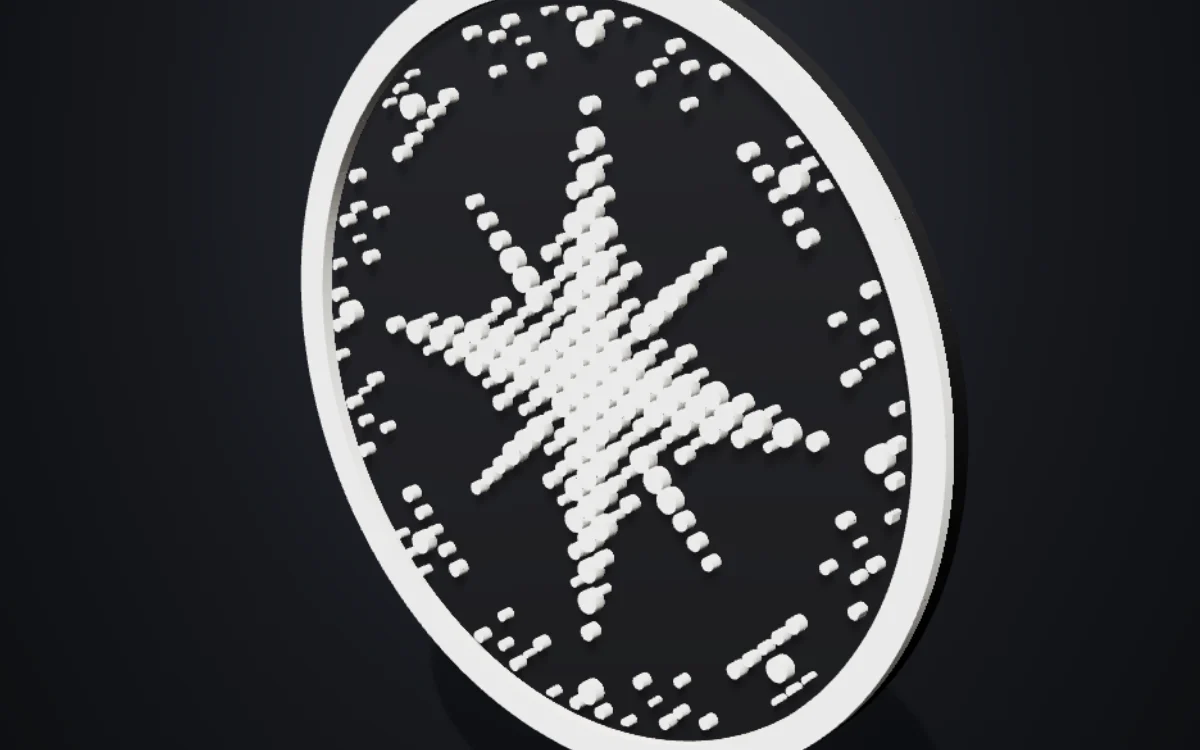
Ten relief styles, from coin and cameo to halftone, contours and line art. Twelve outlines, including one traced from your image. Arc and centre text in thirteen fonts, engraved back text, magnet pockets, loops, holes, tubes and decorative connector bails, colour-swap layers for multicolour prints on a single nozzle, and STL, 3MF and OBJ export.
A new Nozzle setting sizes the printability checks to your nozzle, so thin outlines and small lettering are flagged before they fail, and the export suggests a matching resolution.
Tips for the best results
- Use a sharp photo with one clear subject.
- Pick the Coin or Cameo style for portraits and pets.
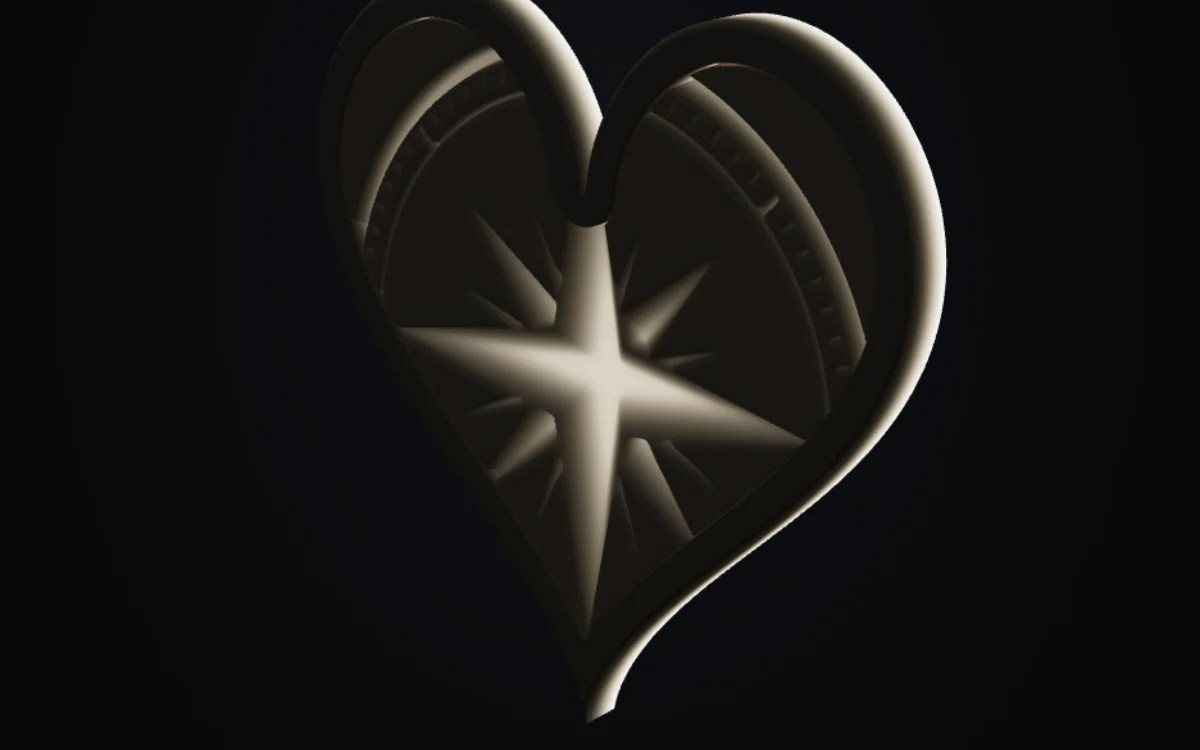
- Print at 0.08 to 0.12 mm layers to bring out the relief. Silk PLA makes it look like cast metal.
For a full walk-through of every setting, read the complete studio guide. Or jump straight in: open Pendant & Medallion Studio.
Spotted something wrong, or have a fix that works better? Tell us at cobornassets@gmail.com — corrections get credited.