Lettering & calligraphy generator
Practise a name with a tracing template, make a stamp that prints the right way round, or lay out calligraphy guidelines with a ruler you draw through.
Loading…
Three tools in one
- Pick the tool. A tracing template, a letter stamp or a calligraphy guide ruler.
- Type the text or set the proportions. Choose a font and size for templates and stamps, or the x-height, nib width, ascenders, descenders and slant for a guide.
- Fine-tune it. Cut-out, grooved or raised letters; stamp shape, border and handle; slot width, rows and a nib ladder.
- Print and use. Everything prints flat without supports.
Settings that work
Stamps
Print the letters at 0.12 mm layers for clean edges. TPU letters glued onto a PLA handle give the softest print.
Guide rulers
Keep slots at least 0.8 mm wide for a 0.5 mm pencil. PETG rulers stay flat on paper.
Templates for kids
Grooved letters guide a stylus or pencil tip; raised letters are great for tracing with a finger.
Lettering & calligraphy FAQ
Are stamp letters mirrored?
Yes, automatically, so what you stamp reads the right way round. The top of the handle shows the text unmirrored.
How do I set up a guide for my nib?
Choose "Nib widths", enter your nib width and how many nib widths the x-height should be. The nib ladder in the margin shows the steps.
What slant angle should I use?
Copperplate is about 55°, italic 5–10° from upright (80–85°). Presets are included for common hands.
Do letters with islands work in a cut-out template?
Yes. Bridges keep the middles of letters like O and A in place.
Make something else
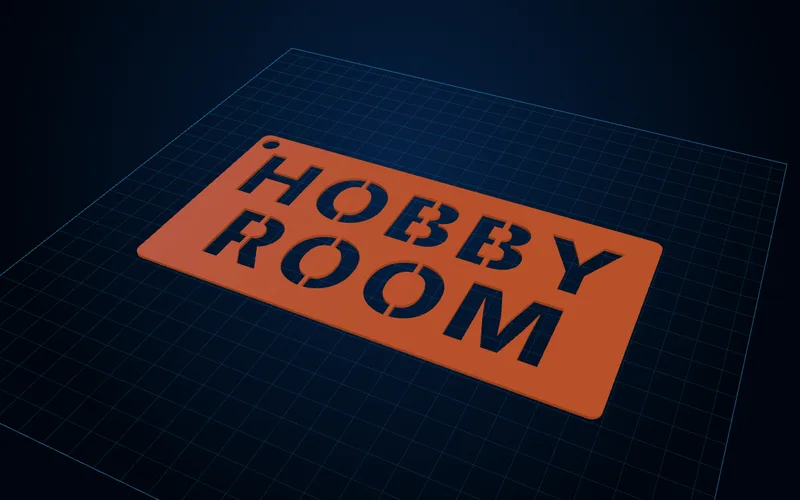
Stencil generator
Text and image stencils with bridges added automatically so the middles of O, A and B stay in.
Open generator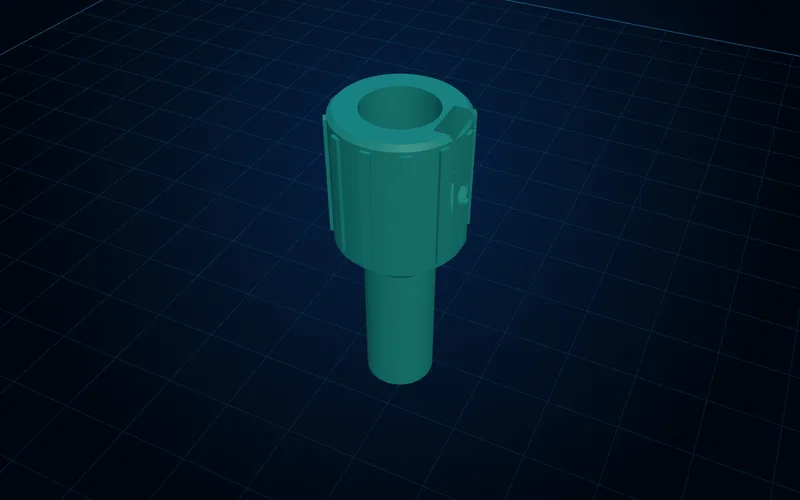
Pen grip & cutter adapter generator
Adapters that fit any pen into Cricut, Silhouette and Brother cutters, plus comfort grips for pens and craft knives.
Open generator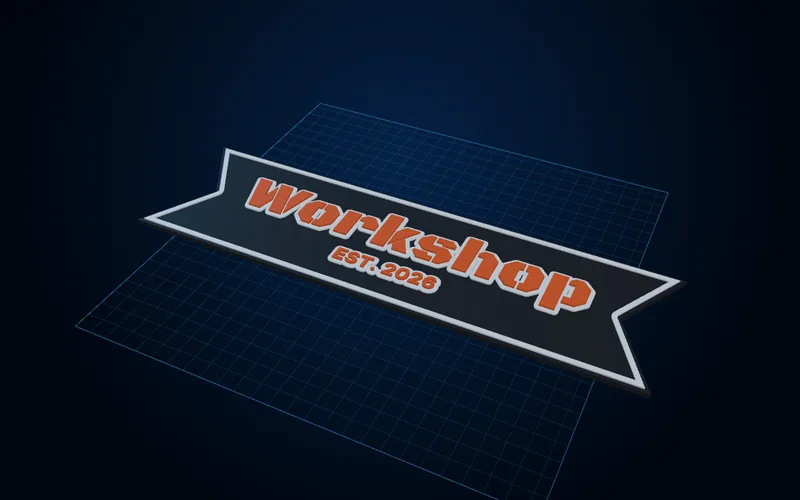
Layered sign generator
Multicolour signs with raised or inlaid text, borders and mounting, with the colour-change heights worked out.
Open generator