Layered sign generator
Type your text and build the sign in coloured layers. Print it with filament changes on any printer, or in full colour on an AMS or MMU.
Loading…
A sign in four steps
- Write the text. A main line and an optional second line, each with its own font and size.
- Pick the shape. Eleven shapes, from rounded rectangles, ovals and shields to a banner or an outline cut to the letters.
- Stack the layers. Add a border, an outline around the letters, an icon or your own logo, and choose a colour for each layer.
- Print it. For a single-nozzle printer the generator lists the heights to change filament. For AMS or MMU, download the 3MF with a part per colour.
Settings that work
Colour changes
In stacked mode each colour starts at its own height. Add an M600 or pause at each height shown under the preview and swap filament.
Crisp letters
Use a 0.4 mm nozzle with 0.16–0.2 mm layers. Letters taller than 1 mm stand out better from across a room.
Hanging it
Keyhole slots hide the screws and let the sign sit flat on the wall. Magnet pockets are sized to the magnets you enter.
Layered signs FAQ
Do I need a multicolour printer?
No. Stacked mode puts each colour on its own layer, so one nozzle and a few filament changes are all you need.
Can I use my own logo?
Yes. Upload a black and white image as the icon and it is traced into the sign on the letters or outline layer.
What sizes can I make?
The sign can fit around the text or be a fixed width and height. The generator warns you if it is bigger than your printer.
How do I mount it?
Pick keyhole slots, screw holes, hanging holes, magnet pockets or a separate desk stand at the angle you want.
Make something else
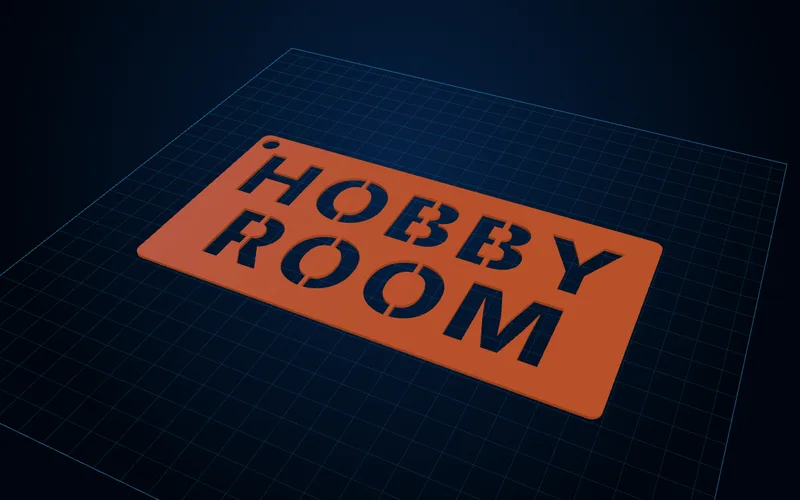
Stencil generator
Text and image stencils with bridges added automatically so the middles of O, A and B stay in.
Open generator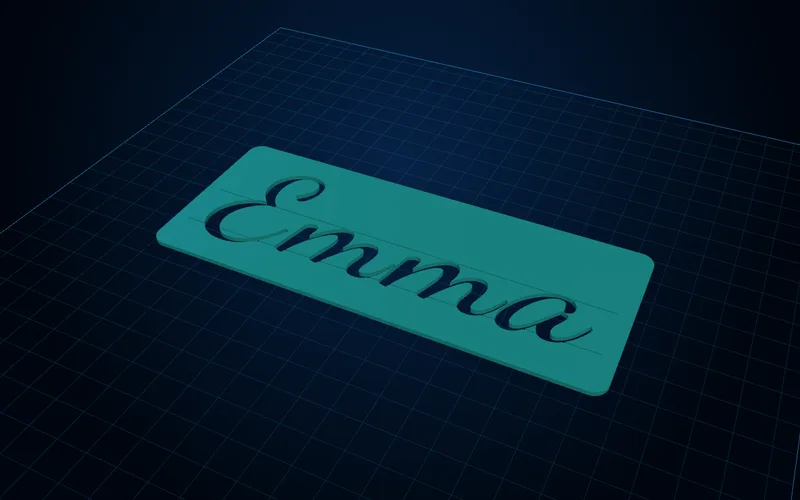
Lettering & calligraphy generator
Name tracing templates, mirrored letter stamps and calligraphy guide rulers with your slant and x-height.
Open generator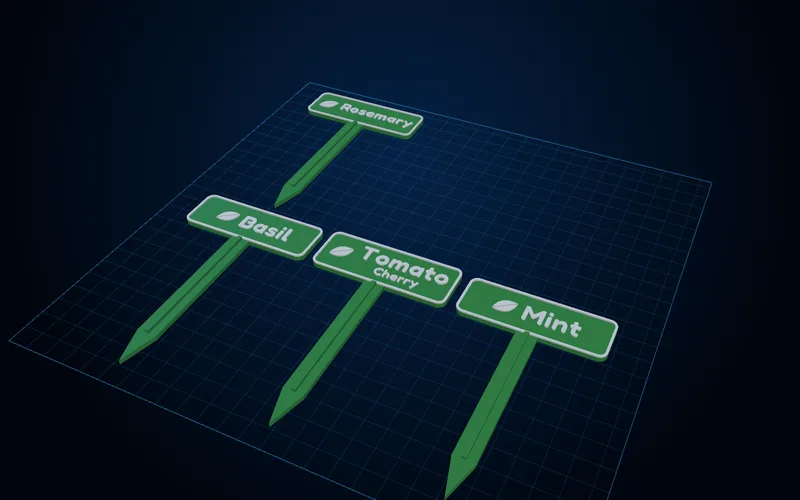
Plant marker generator
A whole set of garden markers from a list of names, with stakes, pot-rim clips or hanging tags.
Open generator