Pen grip & cutter adapter generator
Use your own pens and markers in a cutting machine, or make a chunky comfort grip for a pen, pencil, brush or craft knife.
Loading…
An adapter in four steps
- Pick your machine. Start from the Cricut, Silhouette or Brother preset, or enter your own clamp measurements.
- Measure your pen. Enter the barrel diameter and how you want to hold it: set screw, slotted collet, press fit or split sleeve.
- Test the fit. Print the thin fit-test rings first, adjust the fit settings, then print the adapter.
- Draw. Load the adapter like an original pen. With the depth stop on, every pen sits at the same height.
Settings that work
Measure first
The machine presets are starting points. Measure your clamp or an original pen with calipers, because clamps vary between models.
Strong and true
Print adapters standing up in PETG with 3–4 walls so the barrel is round and does not wobble in the clamp.
Soft grips
Print comfort grips in TPU 95A. The slit option lets a grip clip onto a pen without sliding it on from the end.
Pen grips & cutter adapters FAQ
Will it fit my Cricut?
The Cricut preset fits the accessory clamp on Explore and Maker machines in our measurements, but check with calipers and use the fit-test rings.
My pen is thicker than the adapter body. Can I still use it?
Yes. Choose "Stop inside" under Pen depth: the pen rests on top of the adapter and only its tip goes down the middle. The generator reminds you when a pen is too wide.
Which hold is best?
A thumb screw holds any pen firmly. A slotted collet with a rubber band is quick to swap. Press fit suits one pen you always use.
Can I make grips for craft knives?
Yes. Use the comfort grip with the knife handle diameter and the finger-groove or triangular shape.
Make something else
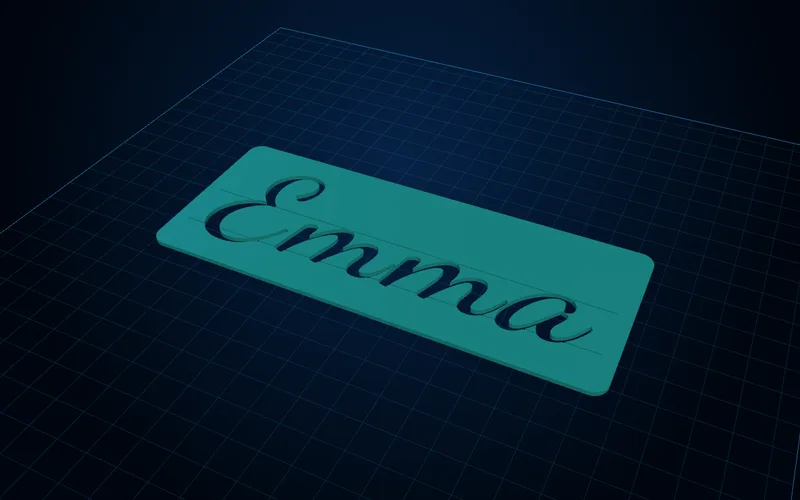
Lettering & calligraphy generator
Name tracing templates, mirrored letter stamps and calligraphy guide rulers with your slant and x-height.
Open generator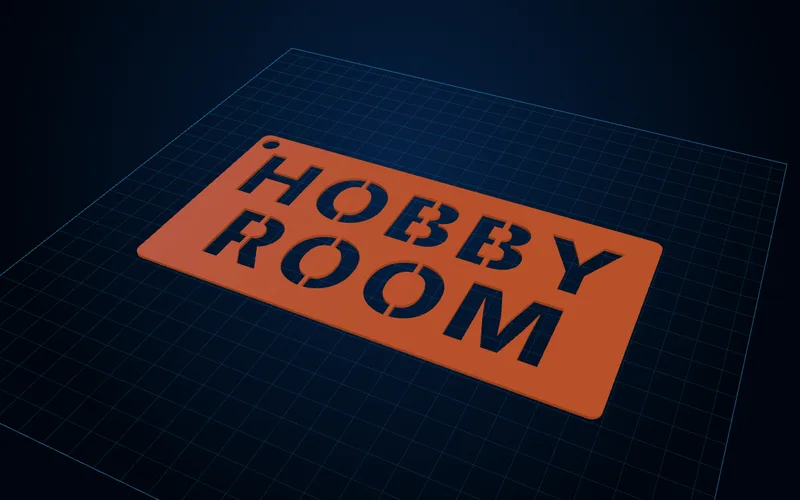
Stencil generator
Text and image stencils with bridges added automatically so the middles of O, A and B stay in.
Open generator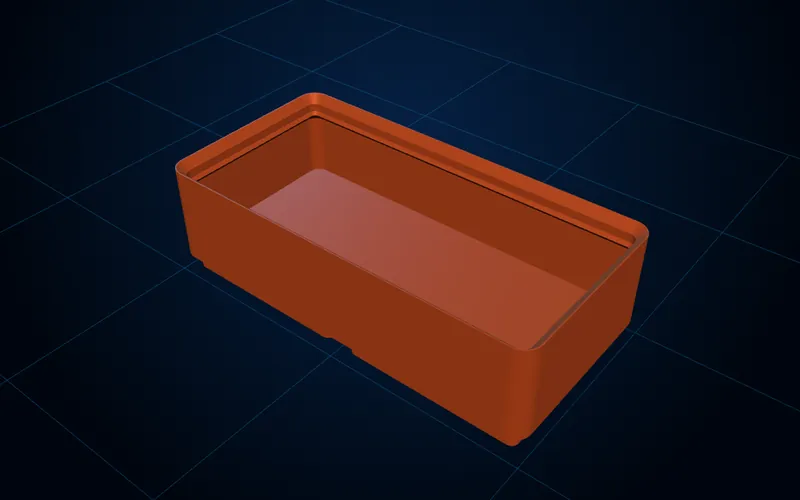
Gridfinity generator
Bins with dividers, scoops, labels and magnets, plus baseplates, lids, tool holders and a drawer fitter.
Open generator