Custom dice generator
Pick a die, or the full seven-piece set, and put your own numbers, words or pips on every face. Numbers are laid out so opposite faces add up like a real die.
Loading…
Your own dice in four steps
- Choose the die. d4, d6, d8, d10, d100, d12, d20, or all seven as a set.
- Set the faces. Numbers, your own words or symbols (one per face), pips on a d6, or blank faces.
- Style it. Size, rounded edges, font, text size, how 6 and 9 are marked and how deep the faces are engraved.
- Print and fill. Print the die, then fill the engraving with paint, or print the second colour object from the 3MF.
Settings that work
Fair rolls
Print with 100% infill or at least 4 walls and 40% infill so the weight is even. Keep the rounding the same on every die in a set.
Sharp numbers
Use 0.12–0.16 mm layers so the engraved numbers stay crisp, and print a set one at a time if your slicer allows it.
Filling the numbers
Wipe acrylic paint into the engraving and scrape off the excess with a card, or print the fill object in a second colour.
Custom dice FAQ
Do opposite faces add up like real dice?
Yes. Opposite faces add up to one more than the number of faces (7 on a d6, 21 on a d20). The d10 sums to 9 because it counts 0–9.
Can I put words or emoji-like symbols on the faces?
Words and letters from the fonts, yes. Type one entry per face and the text is shrunk to fit.
How is a d4 read?
Choose numbers read at the top point (the modern style) or along the bottom edge.
Which way up do I print them?
The die is placed resting on a face, so it prints without supports.
Make something else
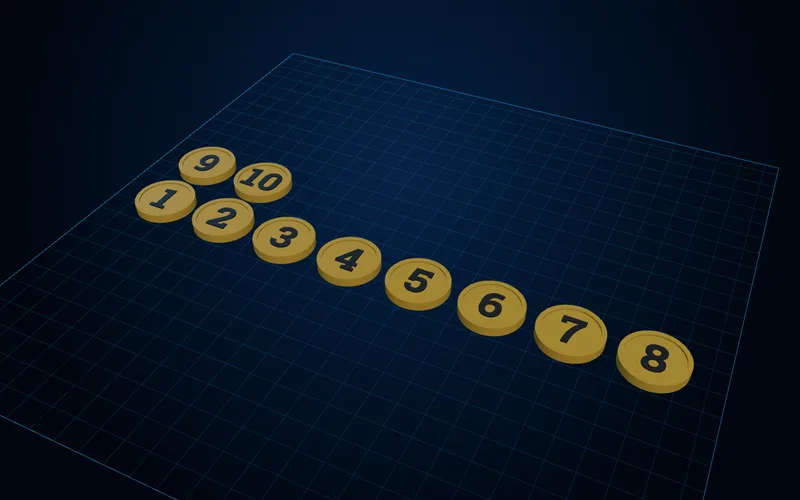
Board game pieces generator
Numbered tokens and coins, pawns, meeples, resource cubes and card stands, made as whole sets.
Open generator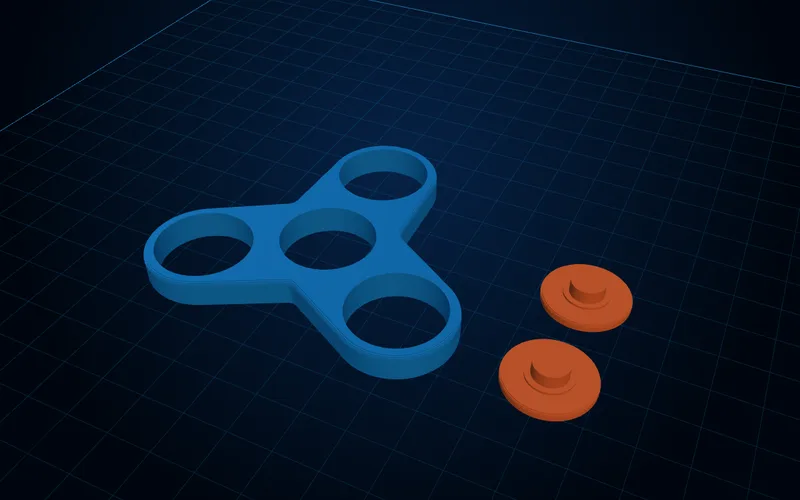
Fidget spinner generator
Spinners for 608, 688 and R188 bearings or with no bearing at all, plus spinning rings.
Open generator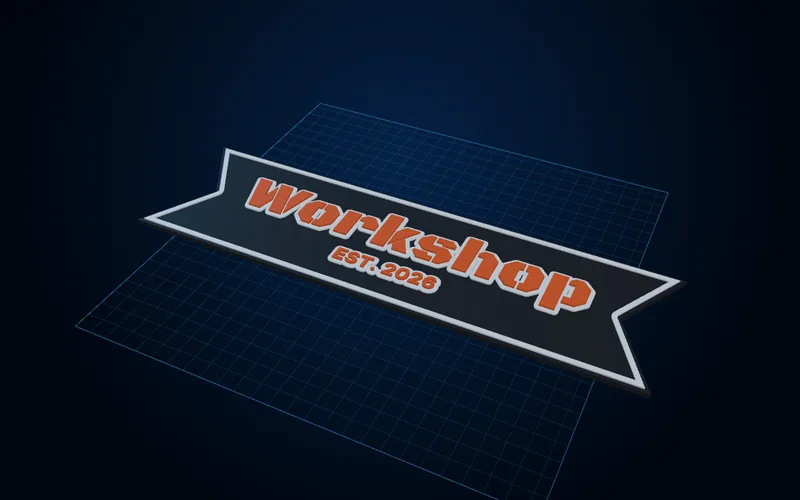
Layered sign generator
Multicolour signs with raised or inlaid text, borders and mounting, with the colour-change heights worked out.
Open generator